
Finding Good Links Is Hard. These 5 Chrome Extensions Make It Way Easier.
Link building used to be simple. Find a website, send an email, cross your fingers. Done. Those days are gone.
Now you're wading through thousands of pages, trying to figure out which ones are worth your time, which ones are so big they'll never notice you exist, and which ones might actually say yes. And you need to do all of that fast.
Here's a good way to think about it: link building is like fishing. You don't just throw a line anywhere and hope for the best. You want the right spots, the right bait, and you don't want to waste a whole afternoon on waters that have been fished dry.
Chrome extensions? They're your fish finder.
We run this exact process before every outreach batch. It's saved us from wasting hours on sites that were never going to say yes.
Why You Only Need a Few Extensions
Luckily, you don't need a huge toolkit. Most pros use the same handful of extensions on repeat, one set for finding sites, one for getting a contact, one for knowing what happens after you hit send.
Most decisions happen in under 10 seconds. You're not doing a deep dive on every page. You're scanning, filtering, and moving on. The goal is to cut the 80% of sites that aren't a fit so you can focus on the 20% that might actually pan out. Running these browser checks helps filter the noise, but evaluating whether a site is truly worth your time requires looking at deeper editorial standards. For a complete breakdown of what separates a good opportunity from a wasted pitch, check out our guide on how to create relevant backlinks.
Stage 1: Find the Right Sites (Prospecting)
1. Ahrefs SEO Toolbar
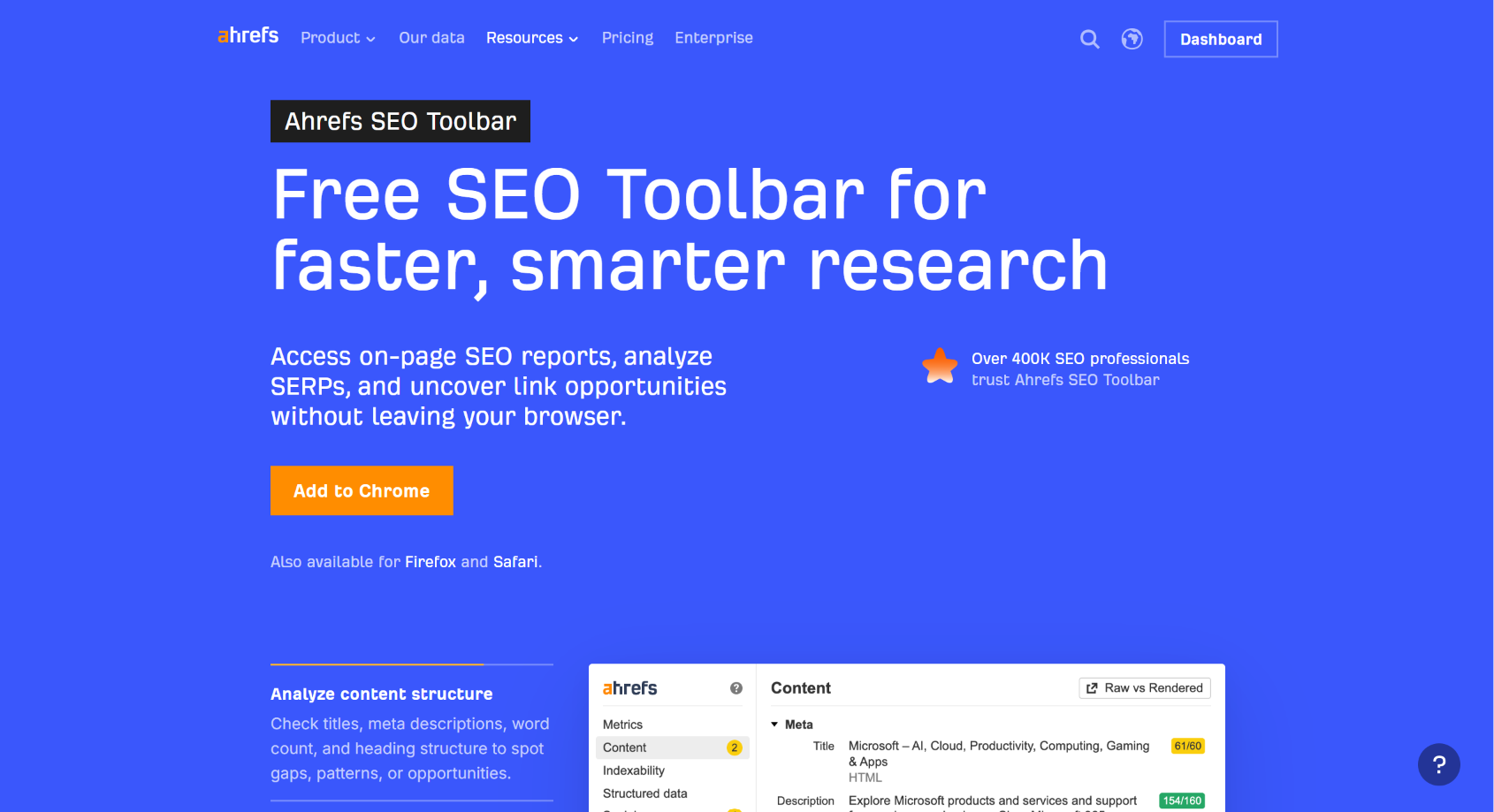
What it does: Tells you how trusted and established a website is.
Think of it like a credit score for websites. A low score doesn't automatically mean you skip a site, but it's a fast signal for whether there's any real authority behind it.
- Best for: Quick authority checks without leaving the page you're on
- Big win: Saves you from chasing sites that look legit but have zero weight behind them
- Price: Free to install. Full metrics like Domain Rating need an Ahrefs account, plans start at $29/month.
2. SEOquake
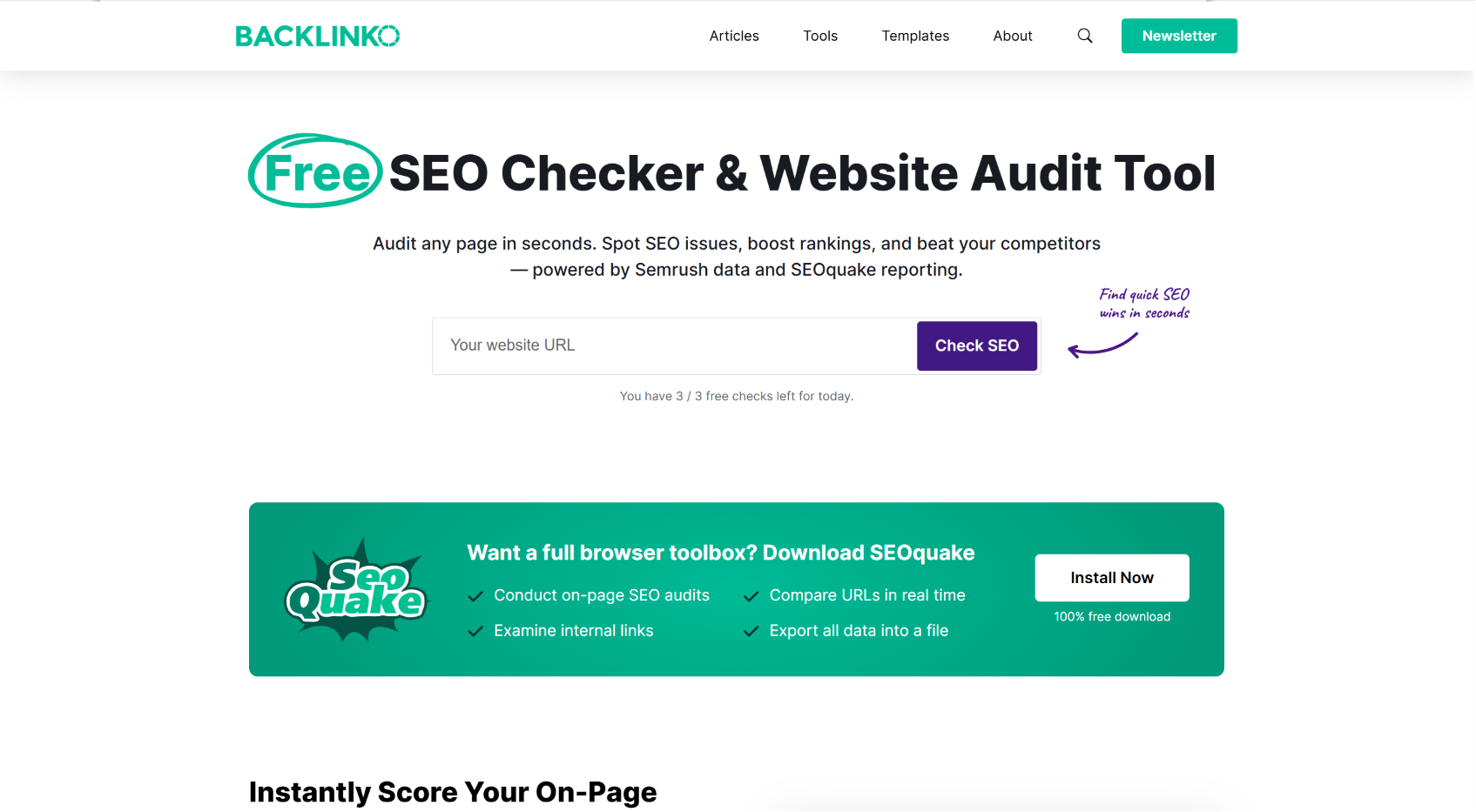
What it does: Lets you compare multiple sites at once, right inside your search results.
Ever wonder why a page with mediocre content is outranking everyone else? SEOquake helps you figure it out. Spoiler: it usually comes down to how many other sites are linking to them, not how good the writing is.
- Best for: Understanding the competitive landscape without opening 15 tabs
- Big win: See patterns across a whole search results page at a glance
- Price: Completely free.
3. Keyword Surfer
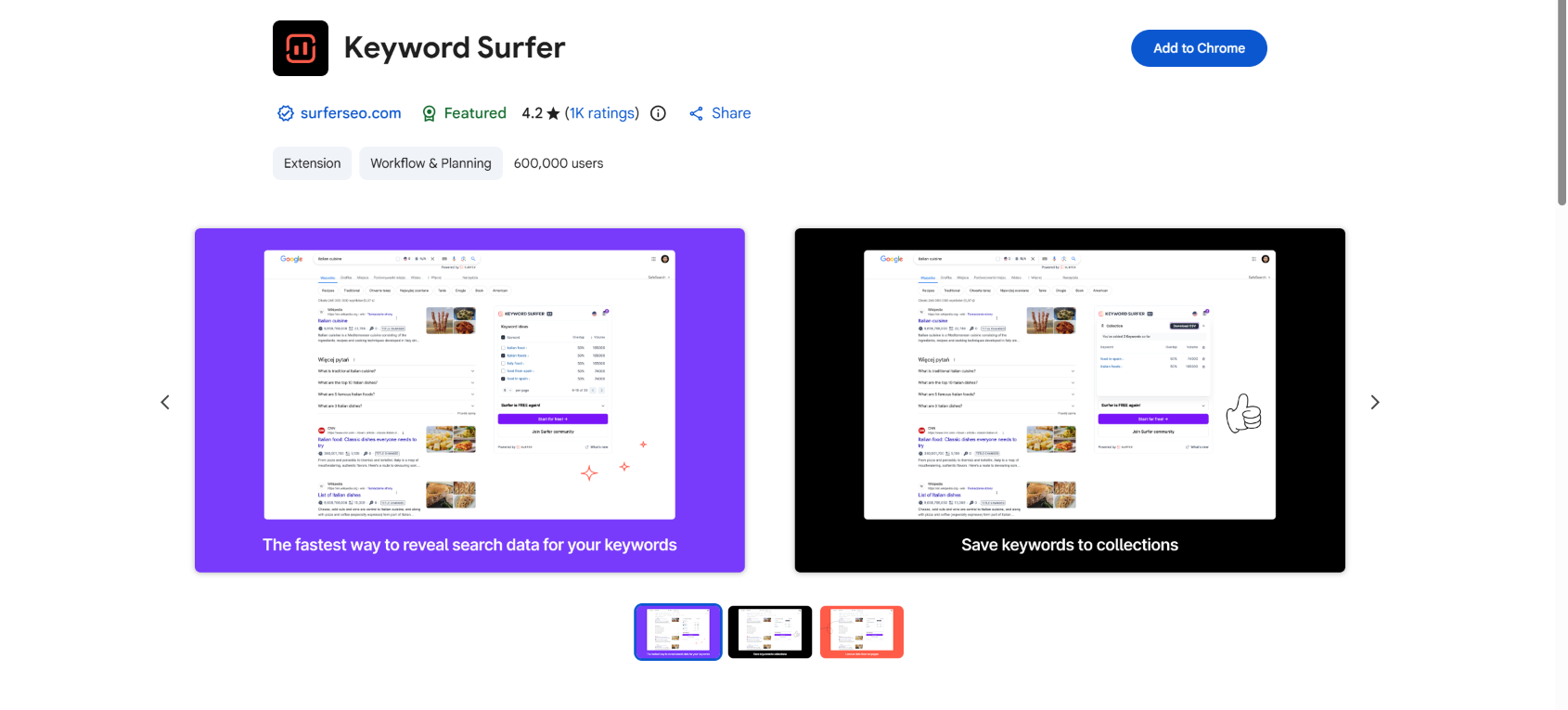
What it does: Shows you whether anyone is actually searching for the topic you're targeting.
Before you build a whole outreach list around a topic, you probably want to know if there's actual traffic to go after. It's like checking for foot traffic before you open a store on a street.
- Best for: Validating a topic before you invest time building around it
- Big win: Keeps you from doing a ton of work for a topic nobody's searching
- Price: Completely free.
4. SEO Meta in 1 Click
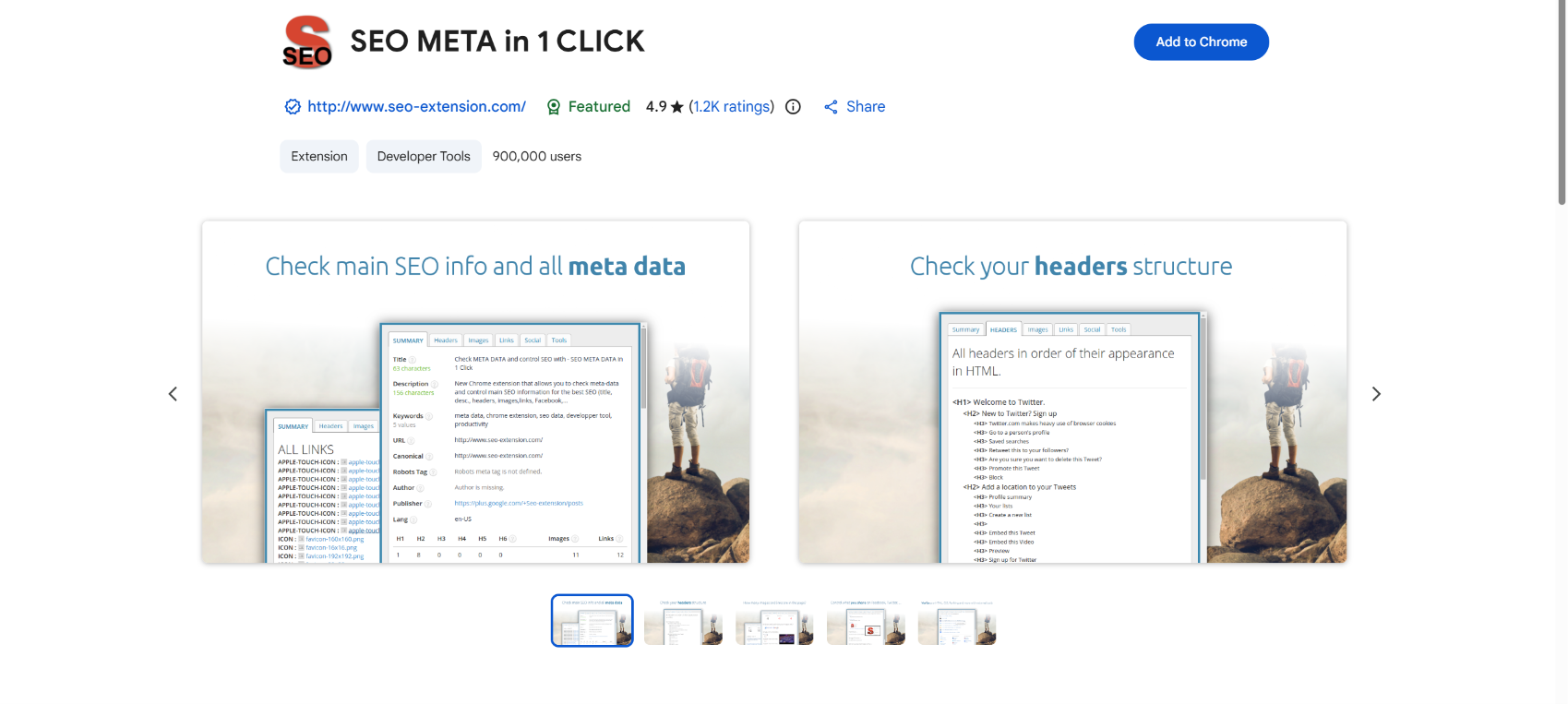
What it does: Shows you how a page is structured under the hood.
You're specifically looking for pages that already have a habit of linking out, things like "best of" lists, resource pages, or editorial roundups. Those are the pages most likely to say yes to adding your link.
- Best for: Spotting link-friendly page types fast
- Big win: No more clicking around trying to figure out if a page ever links to anyone
- Price: Completely free.
5. Redirect Path

What it does: Catches hidden technical problems on pages that look fine but aren't.
This might be the sneakiest opportunity in the bunch. When you find a broken page, you can reach out to the site owner, let them know their link is dead, and suggest your content as a replacement. It works surprisingly well. People appreciate the heads up, and you've got a natural reason to start a conversation.
- Best for: Uncovering broken link opportunities other people miss
- Big win: Turns a technical problem into a relationship-building opener
- Price: Completely free.
Running browser metrics helps you filter out the noise, but you still need to know how to separate low-value domains from high-impact targets. For a deeper dive into vetting sites, read our breakdown of how to qualify backlink opportunities.
Stage 2: Get the Right Person's Email (Outreach)
6. Hunter
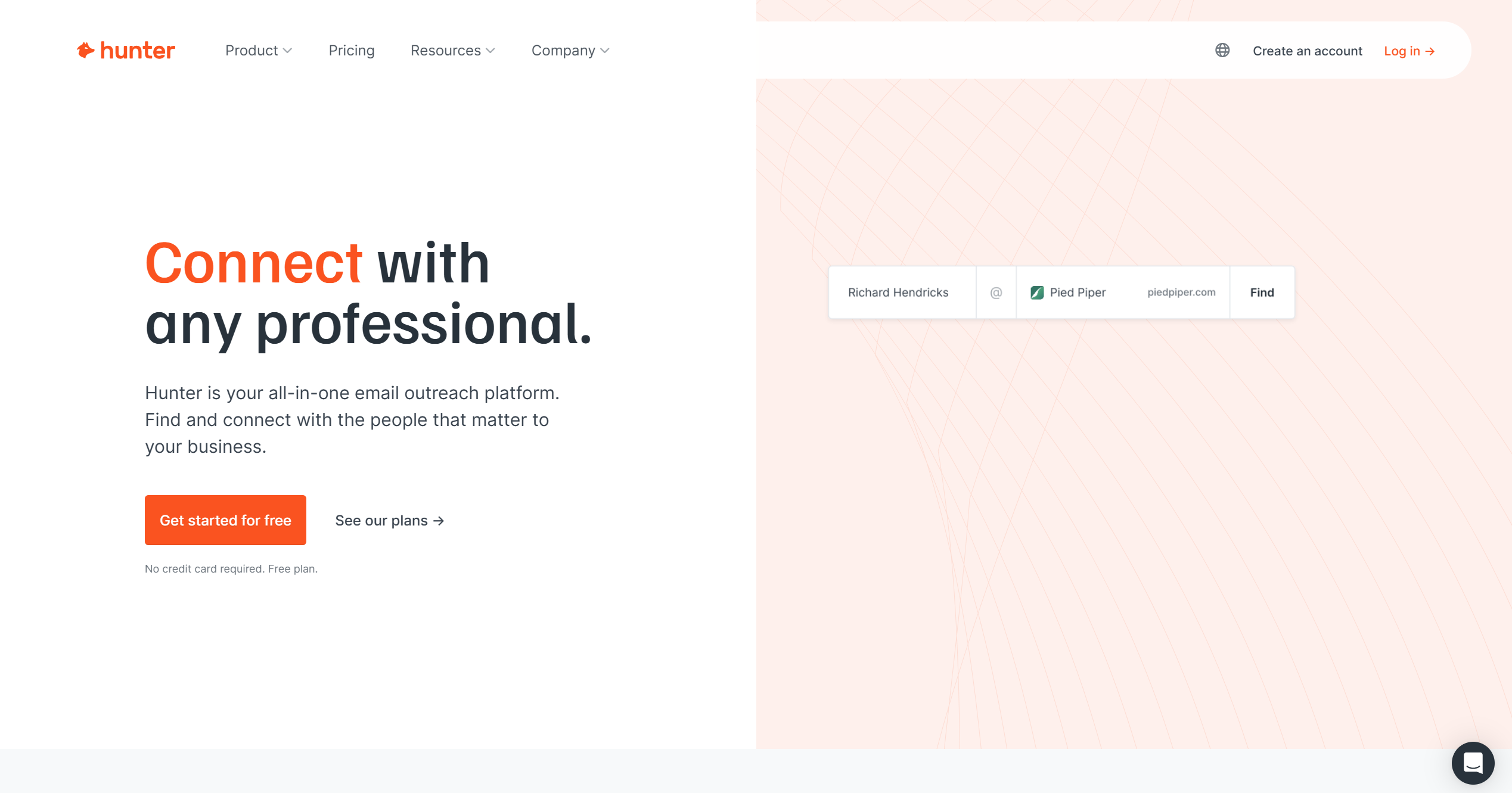
What it does: Finds email addresses tied to a website, so you're not guessing who to contact.
Once you've decided a site is worth reaching out to, you still need a real person to email. Hunter scans a domain and returns the emails it has on file, along with a confidence score for each one.
- Best for: Turning a good prospect into an actual contact you can email
- Big win: Saves you from digging through "About Us" pages or guessing email formats
- Worth knowing: The free plan gives you 25 lookups a month. That's usually enough if you're prospecting in small, focused batches.
- Price: Free for 25 lookups a month. Paid plans start around $49/month for more.
Stage 3: Know If They Read It (Follow-Up)
7. Streak
What it does: Tells you whether the outreach email you sent was actually opened.
Email doesn't tell you much on its own. Streak sits inside Gmail and shows you when a message was read, so you know when it's a good time to follow up instead of guessing.
- Best for: Knowing when to send a polite nudge instead of following up blind
- Big win: Stops you from re-sending pitches to people who never even opened the first one
- Worth knowing: Email open tracking is a permanently free feature. You only need to pay if you want the fuller CRM and pipeline tools on top.
- Price: Free for email tracking. Paid plans with CRM features start around $15/month.
How It All Fits Together
This is the order we actually use, day to day, not just a theoretical checklist.
Do this consistently and you stop spinning your wheels on dead ends. Your outreach gets sharper, your targets get better, and your hit rate goes up.
If you want to go deeper into the fundamentals behind this kind of decision-making, check out our article on 12 essential SEO skills every SEO should have.
Frequently Asked Questions
Do I really need all seven, or can I get by with fewer?
You can, but you'll have blind spots. Each one covers something the others don't. Together, they handle pretty much every stage of the process, from finding a site to knowing if your pitch landed.
Free vs. paid, what's the real difference?
Most of this stack is free. Only Ahrefs, Hunter, and Streak have paid tiers, and even those give you a usable free version. For a final "yes or no" on an important site, most pros back it up with a paid tool (usually Ahrefs) to double-check the numbers.
Can I actually trust these metrics?
Use them as a starting point, not a final verdict. Authority scores and search volume estimates are signals, not facts. Experienced link builders treat them as a filter, helpful for sorting, not definitive on their own.
Will these extensions actually get me links?
No tool does that for you. What they do is help you find better opportunities, so when you do reach out, you're not wasting your time on the wrong sites or the wrong person. The quality of your outreach still makes all the difference.
Why Relevant Links Beat Random Links Every Time
Here's the thing: it's not about how many links you get. It's about how relevant they are.
One link from a website that's genuinely connected to your topic is worth more than ten links from random sites that have nothing to do with what you do. It's like getting a recommendation from a trusted expert in your field versus a bunch of strangers who've never heard of you.
These extensions help you find the relevant ones faster, and get to the right contact once you do. Even links that don't directly move the needle on rankings can still send real visitors your way, get people talking about your brand, and build name recognition over time. That stuff adds up.
Search Results Have Changed
This matters more than most people realize.
Google's results page today looks totally different from a few years ago. AI summaries at the top, "People Also Ask" boxes, featured snippets, local maps. A page can rank in the #2 spot and still barely get any clicks because there's so much other stuff sitting above it.
That changes how you think about which pages are actually worth targeting. A page that ranks well but gets buried under a pile of search features might not be sending much traffic anywhere, which makes it a less valuable target for your outreach.
SEOquake and the Ahrefs toolbar help you see how crowded a search result actually is before you decide whether to go after it. It turns a simple list of results into something closer to a map of the competitive landscape.
Bottom line: use extensions to filter faster, then use human judgment to decide which prospects are actually worth contacting.
Final Takeaway
Chrome extensions don't build links for you. But they make the whole process a lot smarter, from the first search to the follow-up email.
Instead of manually researching every site from scratch, you can filter in real time and put your energy into the places that are actually worth reaching out to. Less wasted effort, better targets, stronger results.
And if you want to make that whole process even more efficient at scale, that's exactly what LinkyJuice is built for. Book a call with our team and we'll walk you through it.
About the Author
Davit Nazaretyan writes about link building, backlink audits, and SEO automation at LinkyJuice. His work focuses on separating what actually moves rankings from what just looks like it does: from cleaning up toxic backlink profiles to building outreach systems that hold up against algorithm updates. Connect on LinkedIn.